Winning Tactics for Leveraging Your Buyer & Seller Guides

Winning Tactics for Leveraging Your Buyer & Seller Guides
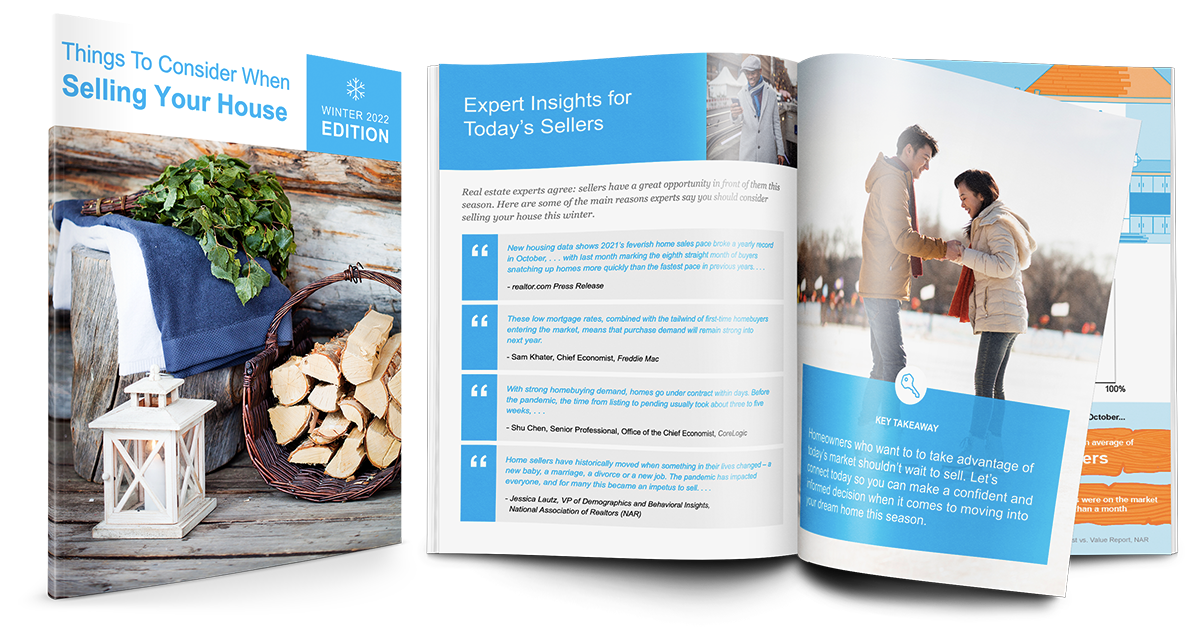
Your seasonal Buyer & Seller Guides provide a quick and effective way to deliver value to your prospects and clients while establishing yourself as the market expert they need. Most agents try to ‘sell themselves’ to convert leads into listings, but we believe education is the best way to build trust and ultimately build your business.
Your guides can be utilized in so many ways throughout your business to differentiate yourself from the competition and convert more leads into listings. Your guides come ready-to-use with your personalized information already on the front and back covers. You can also download PowerPoint versions of your guides to customize and localize them even further! This article will start by telling you how you can access your personalized guide links and how they work. Then, we’ll give you some inspiration for how you can incorporate these guides into your overall marketing strategy!
Accessing Your Personalized Links
To make it super easy for you, here are the links you may need to implement any of the ideas in this article.
There are two sets of links below:
- The lead capture page links require someone to put in their email address to access the guide.
- The direct download links will allow someone to access the digital guides without any info (and can also be used by you to quickly print your guides).
If you’d like to customize your guides, click here to download the editable PowerPoint versions!
Lead Capture Page
Buyer Guide – http://www.simplifyingthemarket.com/buyers/
Seller Guide – http://www.simplifyingthemarket.com/sellers/
Direct Download
Buyer Guide – http://www.simplifyingthemarket.com/buyersty/
Seller Guide – http://www.simplifyingthemarket.com/sellersty/
Customizing and Localizing Your Guides
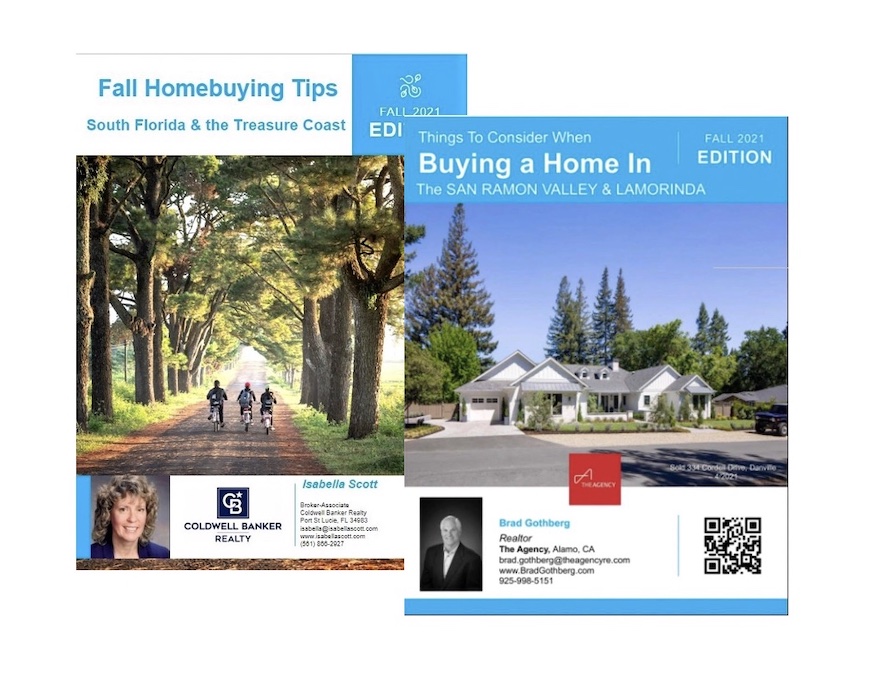
Remember, your guides come pre-made with personalized front and back covers! But did you know that you can fully customize and localize your guides by downloading the editable PowerPoint versions?
If you’d like to customize your guides, click here to download the editable PowerPoint versions!
Check out some of these awesome examples of Members who’ve taken their guides to the next level!
 Incorporating Your Guides Into Your Overall Marketing Strategy
Now that you have the links to access your personalized guides, how can you use them? Read below for some of our favorite ideas (all shared by current Members like you), then put them into action!
Incorporate Into Your Website
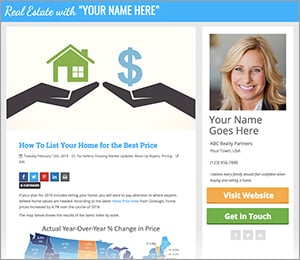
Almost every KCM Member uses the blog posts and guides on social media. But if you aren’t also leveraging the materials on your own website, you’re missing out!
Providing your Buyer & Seller Guides to every visitor on your website is one of the quickest ways to position yourself as an expert.
Link On Your Website Menu
You can add a label to your website menu that links to your guides (and it never needs to be updated – set it and forget it!).
Simply access the admin portal for your website and add a new section to your menu. You can call it something like ‘Free Seller Guide’ or ‘Free Buyer Guide.’ Then set that new label to link to your lead capture page or directly to the guide you chose.
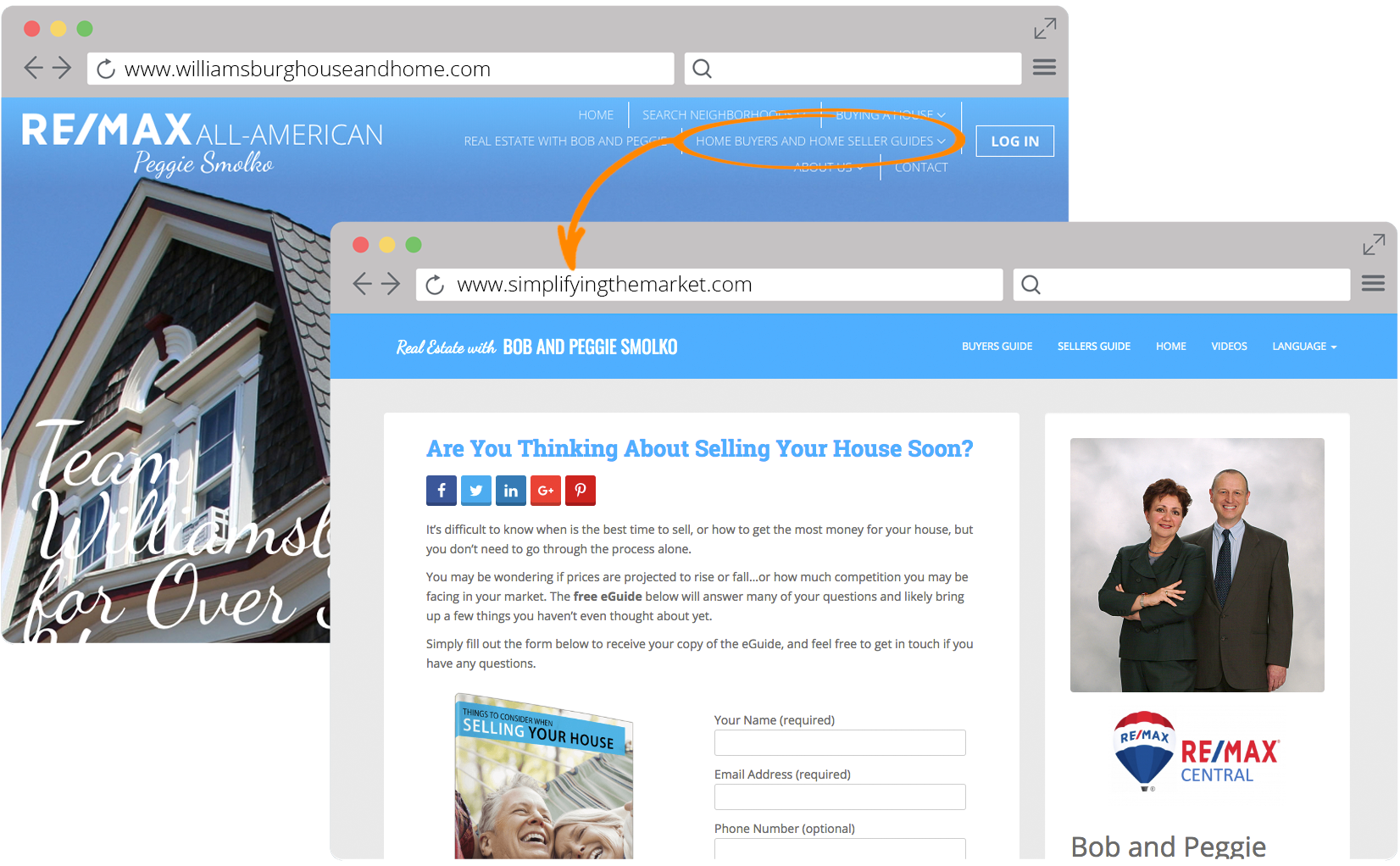 If you need help implementing this idea, the best place to start is your website administrator. Just give them the link to your guide(s) that you want to use and they should be able to help you add it to your website menu! Click here to get the links to your guides.
Share to Your Social Media Channels
Share Your Guide Links On Your Social Pages
You can easily share a link to your guide lead capture pages on your Facebook Business page!
Simply visit the Buyer & Seller Guides page, then click the ‘Share’ button next to the guide you want to share.
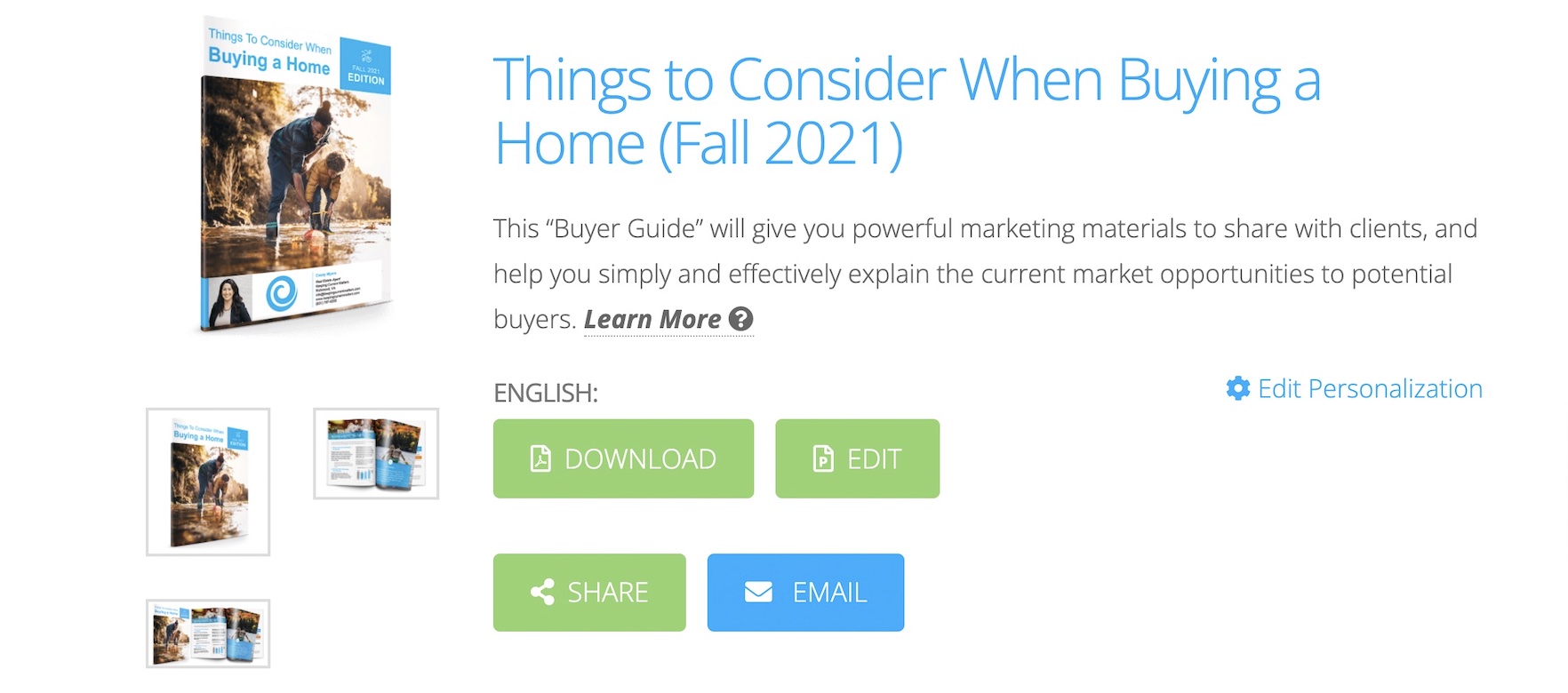 This will open your lead capture page, then you can use the share buttons on that page to post to your Facebook Business page (and your other social media channels like Twitter, LinkedIn, etc.).
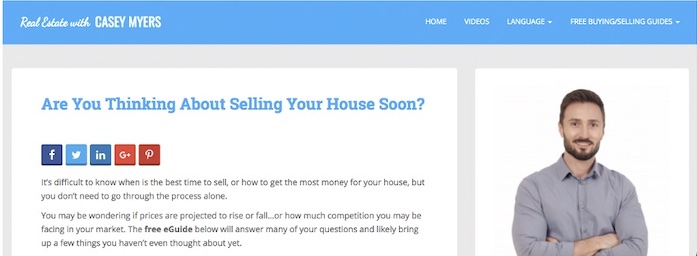 Access your guides now and put this idea into ACTION!
Sharing to Instagram
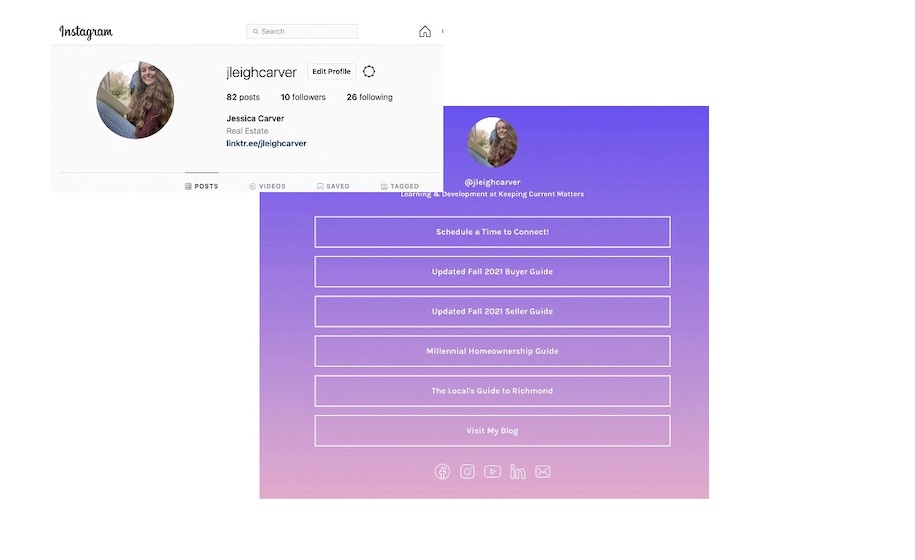
*Pro Tip: Sharing links on Instagram can be tricky, but there’s a free service you can use to create one “host link,” you can paste in your Instagram bio that allows you to share multiple links at once! Check out an example below, and visit Linktree today to create your own free link!
 Enhance Your Email Marketing
Improve Your Email Drip Campaign
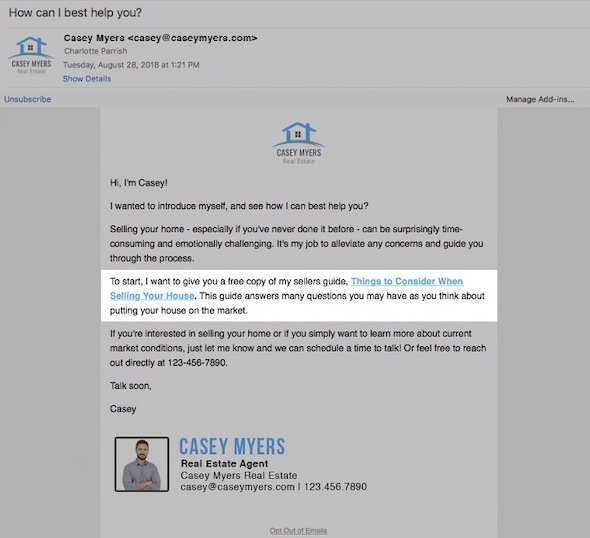
A key to converting leads is to start off on the right foot with every new lead by offering value immediately. You can easily do this by adding a link to your Buyer or Seller Guides to your email drip campaigns.
Here, KCM Member Treasure Davis explains why she uses the Buyer and Seller Guides in her lead follow up.
We recommend providing a link to your guides in the first email that goes out to a new lead so you’re setting the educational tone right away. Here’s some sample email copy you could use:
 Grab your guide links now and put this idea into ACTION!
Leverage Your Email Signature
Your email signature is a prime opportunity to offer value with every message you send. Most agents either include nothing useful in their signature (other than contact info, of course) or they ask readers to follow them on Facebook/social media.
A better option is to offer something for your audience. True expert advisors reinforce this message with every interaction they have. You want to continuously provide helpful, relevant information to your audience so they know you’re the market expert they can trust.
 More Effective Open House Follow Up
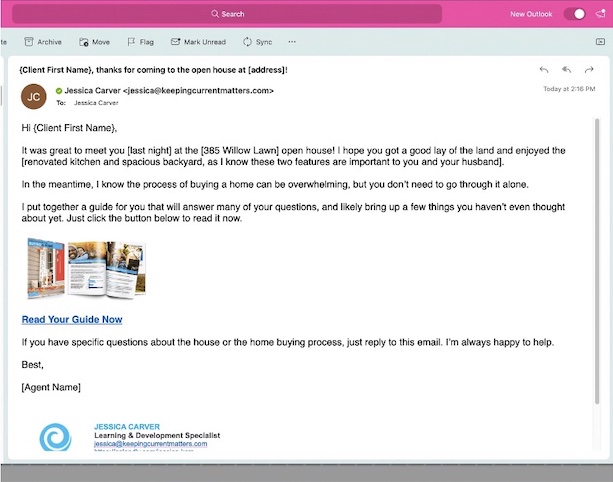
A great way to follow up with leads from open houses is taking the educational, value-first approach. You can easily do this by sending a quick email with a link to your Buyer Guide (or Seller if you know the person is looking to sell as they purchase their next home).
Here’s a quick email you can send out:
 Grab your guide links now and put this idea into ACTION!
Deliver a Pre-Listing Package
Or deliver a copy of your Seller Guide before your next listing presentation.
Have you heard of the term ‘greasing the wheels’? Delivering value that educates the seller on what’s happening in the current housing market before you even get to the listing appointment does just that because it builds trust.
It sets the stage for you by communicating that you’re here to HELP this seller, not to sell them. You’re here to advise them on one of the biggest decisions they’ll ever make, and you are the expert they need because you have their best interests at heart.
Here’s a quick message you can include with your guide:
Go download your Seller Guide now and put this idea into ACTION!
Make Customized & Professional-Quality Print Materials
Door Knocking/Prospecting Leave Behind
Not every area allows for this strategy, but if it’s one you can employ, it can be very fruitful! Especially if you’re a newer agent – door knocking costs nothing but your time, and your sweat equity here can pay off in spades if you do it right.
Door knocking is most successful when you have something of value to offer. For the person who answers the door but isn’t quite ready to chat with the stranger who just interrupted their day, what do you do? How do you stay memorable?
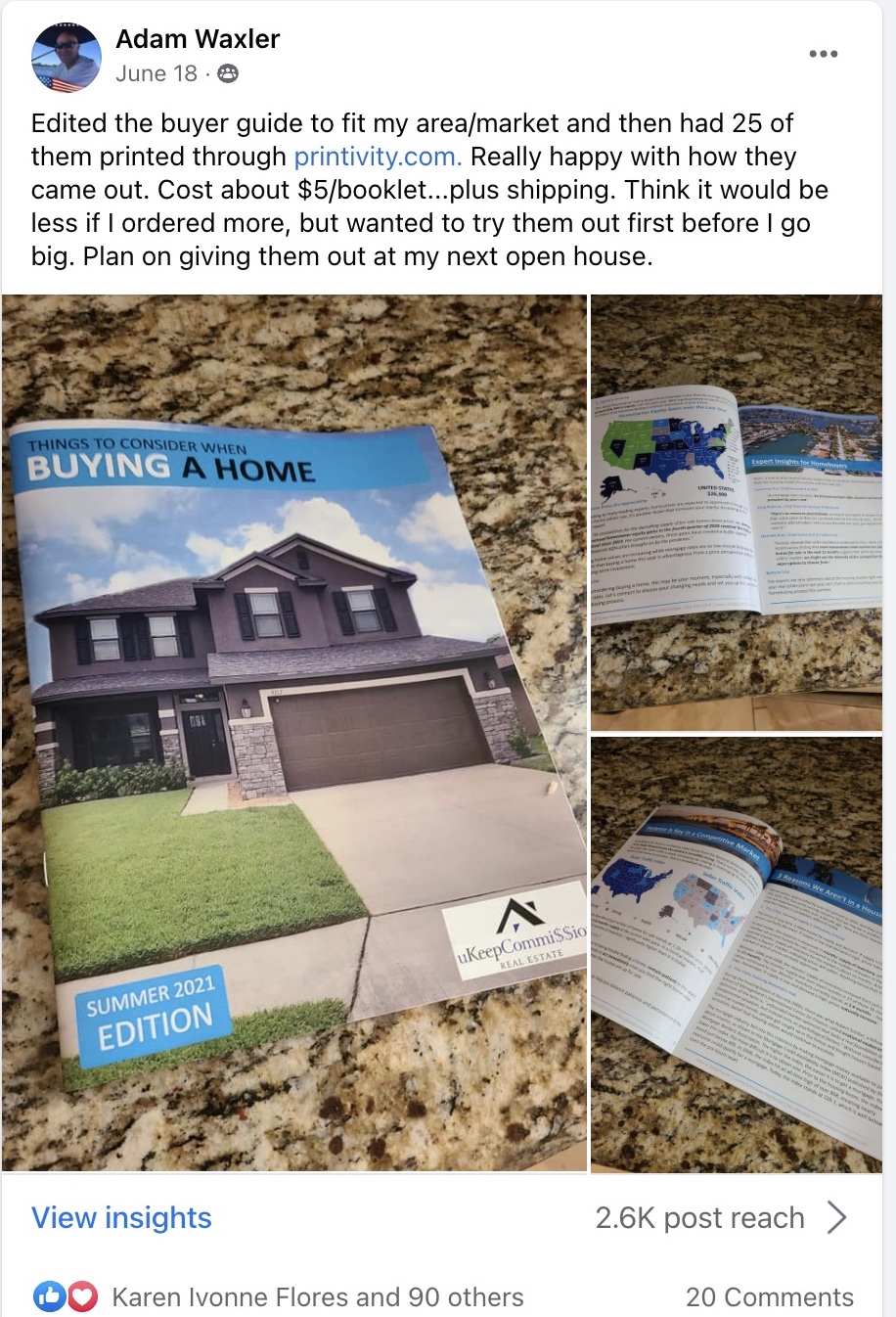
You establish yourself as the expert and offer helpful, relevant educational materials. Carrying a few printed copies of your Buyer and Seller Guides and offering them as a leave behind for those who aren’t ready to chat can lead to follow ups down the road and also a reason to check in a few days or weeks later.
 Go download your guides now and put this idea into ACTION!
Create Mailers With QR Codes Linked To Your Guides
If you’re looking for a more cost-effective way to share your Buyer & Seller Guides, consider creating postcards or other marketing materials and incorporating a QR code that links to either your Lead Capture pages, or directly to your guides!
What is a QR code? Check out the example below by opening the camera on your smart phone and hovering over the image (no need to take a picture–a link should pop up just by hovering that redirects you to our guide).
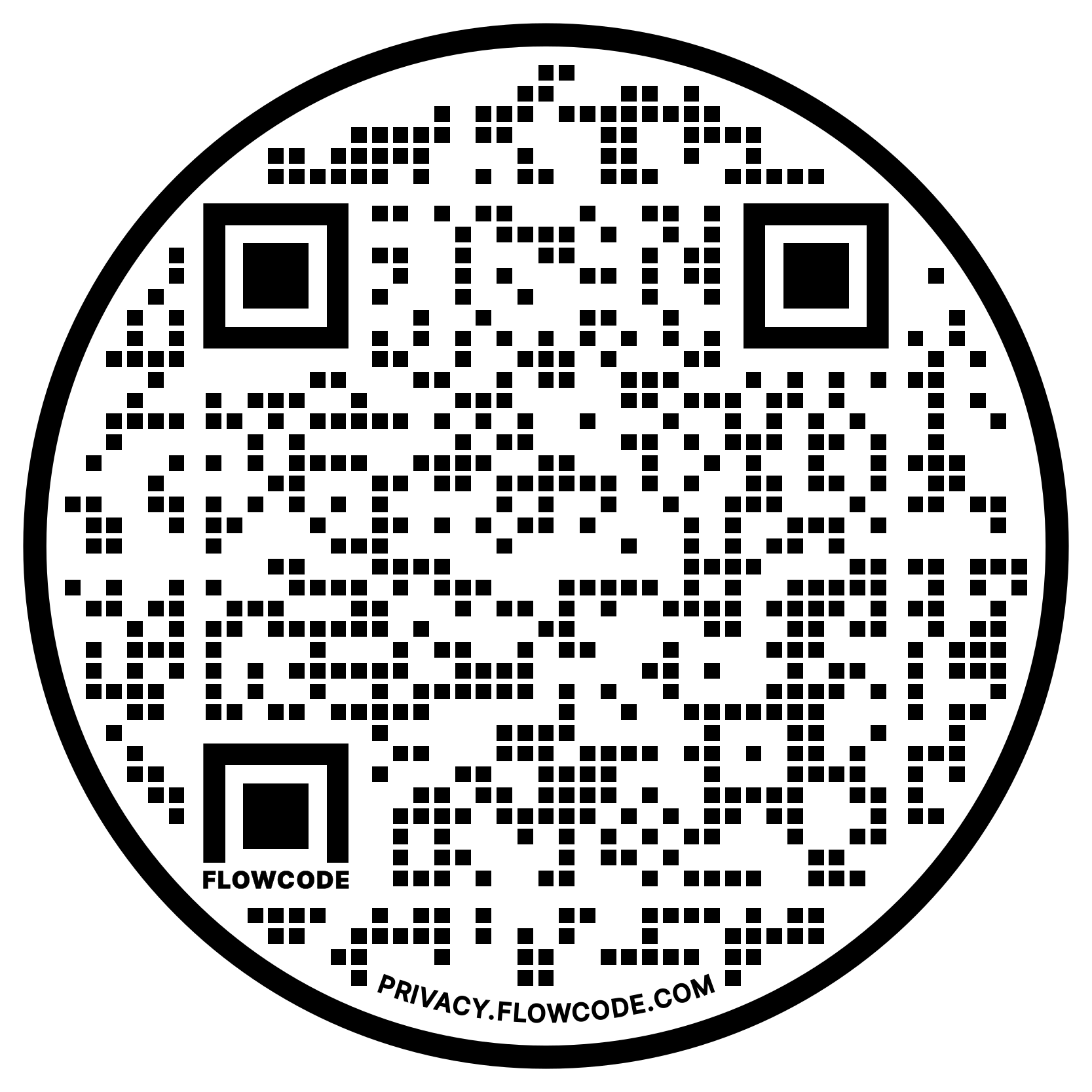 There are plenty of websites that allow you to generate your own free QR codes. We used Flowcode to create our example!
Differentiate Yourself at Your Listing Presentation
Every agent brings materials with them on a listing presentation, but most of the time the materials are all about the agent’s stats (#1 this or #1 that, so many listings sold, blah blah blah).
How many agents actually bring helpful, relevant content for the seller? Very few.
This is a great way to differentiate yourself on a listing appointment. And don’t just take our word for it. Check out the feedback from other Members who have used this strategy:
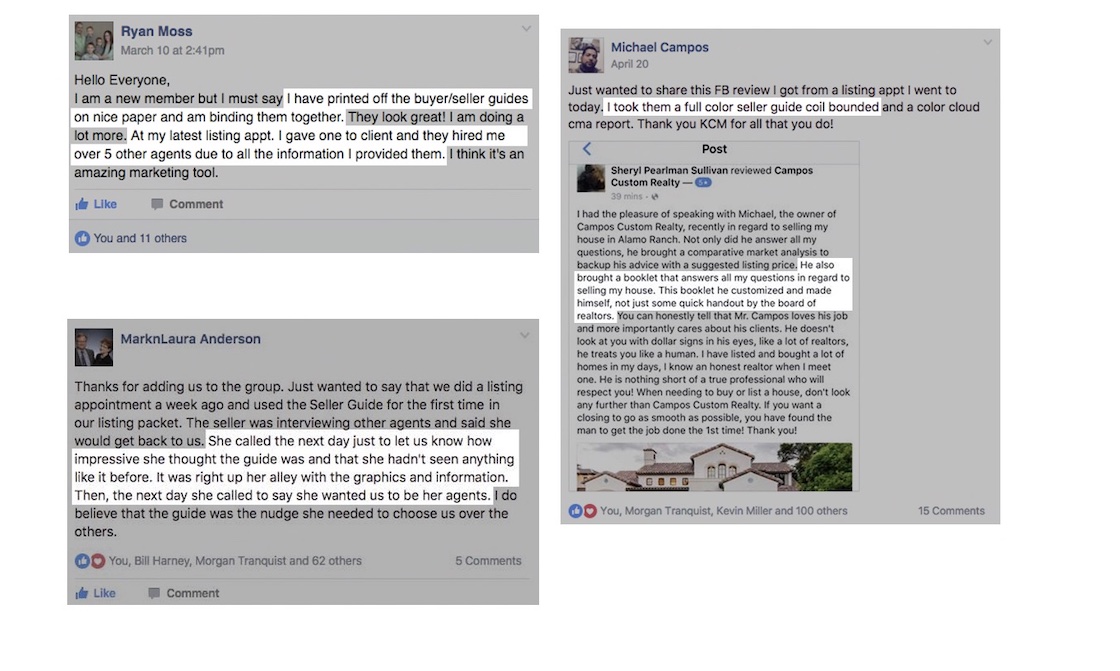 Go download your Seller Guide now and put this idea into ACTION!
We’re happy to provide more details on how you can implement some of these ideas in your business. The specifics may vary depending on your email platform, but our team is happy to help as much as we can.
Just reach out to us at support@keepingcurrentmatters.com if we can help!

|
Members: Sign in now to set up your Personalized Posts & start sharing today!
Not a Member Yet? Click Here to learn more about KCM’s newest feature, Personalized Posts. |